

Proteus Tutorials
Tutorials for Proteus covering VSM Simulation, PCB Layout & Design and Visual Designer

3D Visualisation
This video shows the use of the 3D viewer module in Proteus PCB CAD software including the import of component STEP files and export of full board STEP and IGES format models.

Active Popups
This shows how to use the Active Pop-up feature in Proteus schematic capture software to get a smoother working environment during the debugging stage of MCU simulation.

Advanced Footprint Creation
This video shows how to manually create advanced footprints with specific requirements such as stitched pads or stippled paste masks in the Proteus PCB CAD Software.
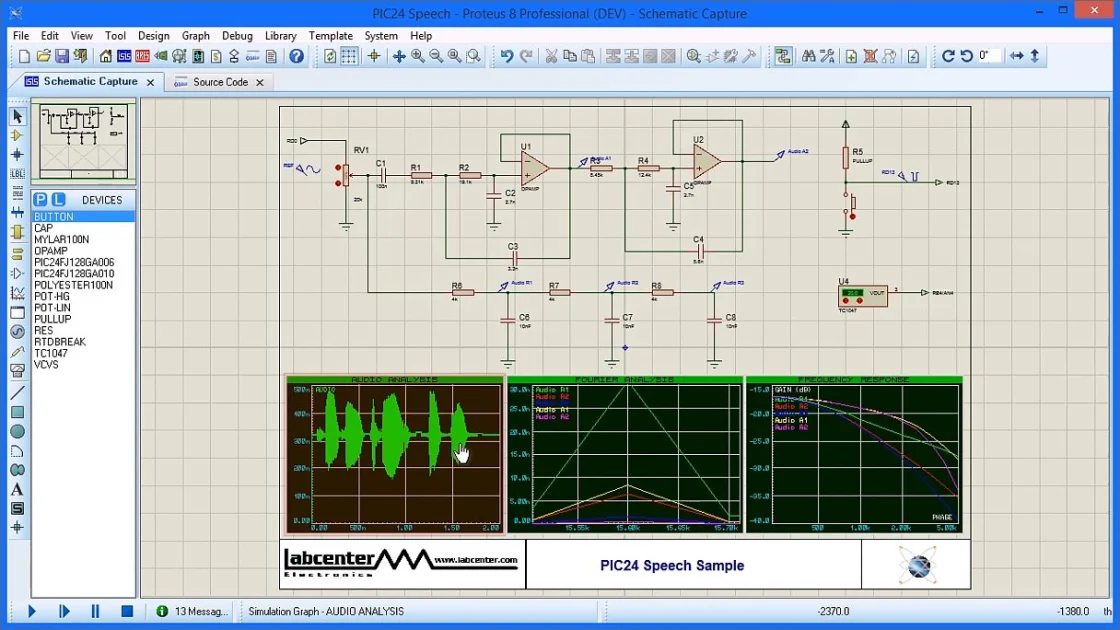
Advanced Simulation Features
This videos shows the use and functions of the Advanced Simulation Features in Proteus CAD Software for graph based analysis of schematic capture designs.

Arduino VSM
This video shows how to use the drag and drop feature for the Arduino Simulator using peripherals, shields and break out boards in Proteus Microcontroller Simulation software.

Auto placement Floor Planning
A look at the Placement Room feature of the PCB Layout Software. This allows you to group critical components together when you set board constraints.

Auto Track Completion
The Proteus EDA Software provides a quick method to route your PCB Designs by using click to complete technology to place tacks along valid paths.

Auto-Routing
This video shows the constraint driven auto router function inside the PCB Design software for a powerful PCB Layout tool.
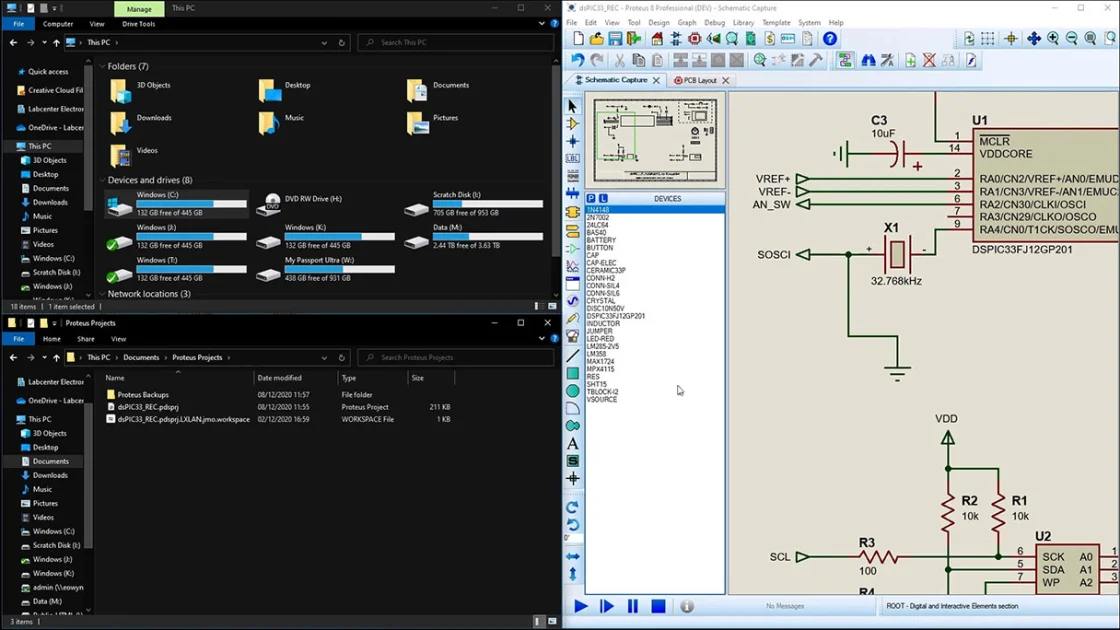
AutoSave and Backup
The autosave and backup system of Proteus ECAD Software has been updated to include custom backup paths, incremental project saving and system verified timed automatic autosaves.

BSDL File Import
This video shows the updated process for importing BSDL files in to the user schematic parts library of Proteus Schematic Capture software for version Previous and later.
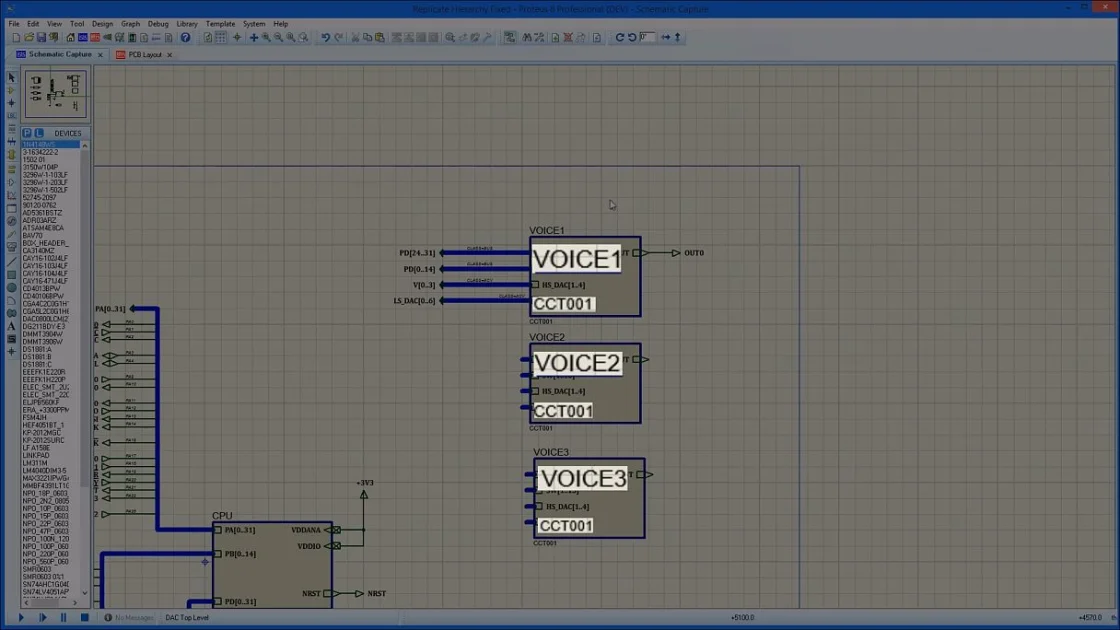
Circuit Re-Use
This video shows how to reuse sections of common circuitry across various designs and easily recreate sub circuits and PCB layouts in the Proteus EDA Software

Component Library Web Search
The Proteus CAD Software component libraries automatically do a web search if the required device is not in local libraries and will add the part at the press of a button.