

Proteus Tutorials
Tutorials for Proteus covering VSM Simulation, PCB Layout & Design and Visual Designer
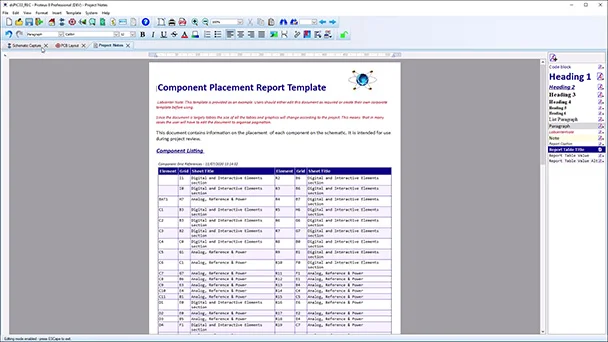
Component Placement Reporting
A short video demonstrating the the Component Placement Report available within Proteus. This gives sheet and grid positional information to quickly locate any device for review.

Creating Button Pads
This video shows how to create complex footprints, such as Button Pads, inside the PCB layout module of Proteus PCB CAD Software.

Curved Routing Update
The curved routing capabilities of Proteus PCB Design have been greatly improved. The new, smarter system will actively adjust corner radius as per user specified limits as well as curved mitres.

Debug Files
This video shows how to set the Debug Files for Microcontroller simulation inside Proteus schematic capture software for simulation purposes.

Design Explorer
A short video demonstrating the design explorer module in the Schematic Capture Software. This allows cross probing of the schematic and PCB and control of Assembly Variants.
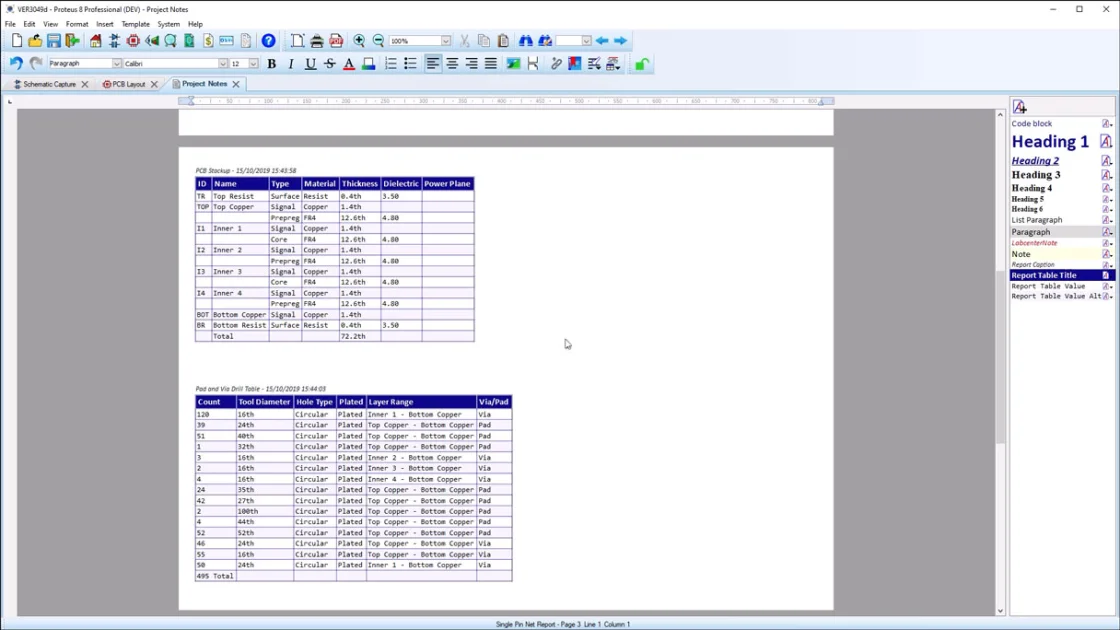
Design Reporting
This short video gives the overview of design reporting in the Proteus PCB CAD software and how it can be used with quality control and manufacturing instructions.
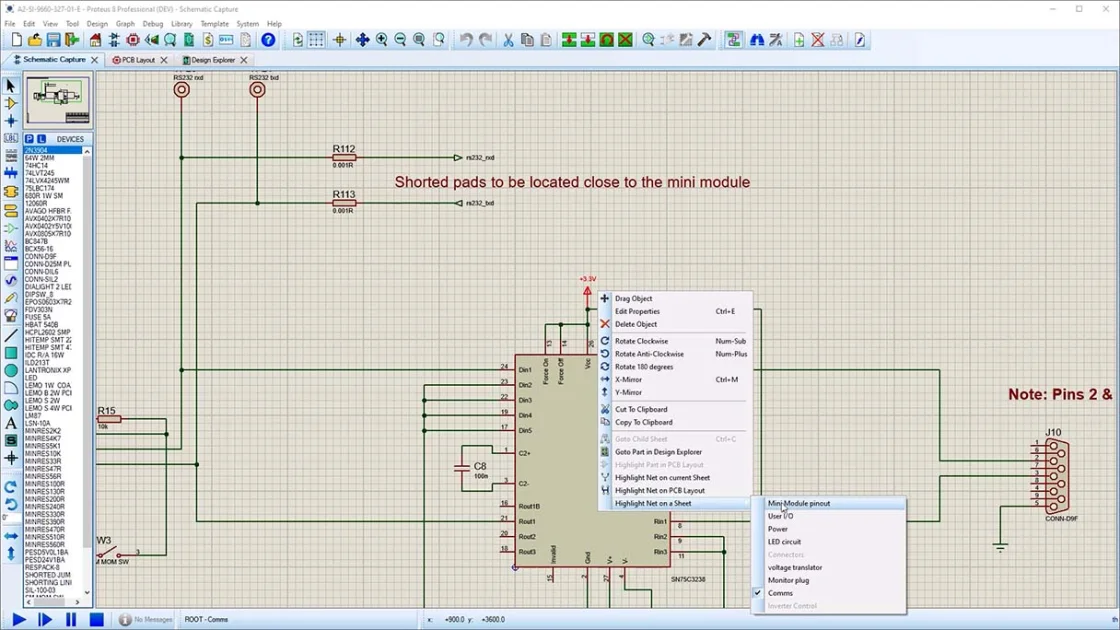
Design Walk
The Design Walk feature of Proteus allows the user to work through a design to confirm net connections across all sheets for added confidence in their design.

Diff Pair Configuration
This video provides a walk through on using the Differential Pair configuration tool. Specify start and end pins as well as pass through devices from a single, easy to use form.

Differential Pair Pass Through
It is now possible to specify and use pass through components on differential pairs in the Proteus software. This is ideal for passive devices such as resistors on a phase matched pair.

Differential Pair Phase Matching
This video shows the implementation and use of differential pair routing in the Proteus ECAD Design Software. This includes diff pair specific design rules and automatic phase correction on completion.
Differential Pair Routing
The Proteus Design Software has the capability to do differential pair routing with auto phase correction upon track completion and route length matching.

Differential Pairs Introduction
An introduction to differential pair routing and the benefits of using this communication technology for high-speed PCB design.