

Proteus Tutorials
Tutorials for Proteus covering VSM Simulation, PCB Layout & Design and Visual Designer
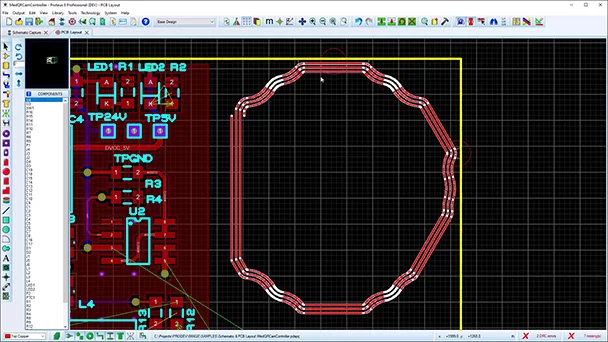
DXF to Copper Import
This video shows the process of bringing in a DXF file to the Proteus ECAD PCB layout. This allows for the graphic to be used either a copper filled zone or complex route such as NFC Coil antenna.

Dynamic Teardrops
This video shows how to use and adjust the automatic Teardrop track connections in the PCB Layout software of the Proteus Design Suite for more reliable trace connections.

EDIF2 File Format Import
The Proteus ECAD Software has the capability to import EDIF2 file format schematic designs as exported from the OrCAD v9.2 and v17 software.
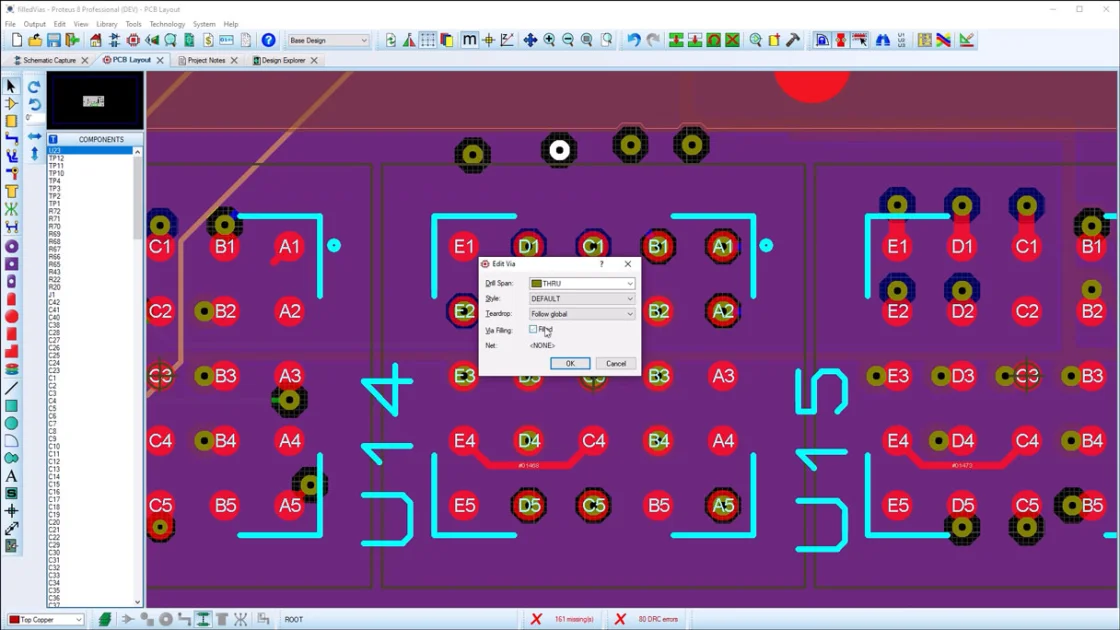
Filled Vias
A short video to demonstrate the use of filled vias in Proteus PCB Design. These are type 7 vias in accordance with IPC-4761 specifications and can apply to single or multiple vias on a board.

Gerber X2 File Format Output
This short video shows the new Gerber X2 file format that is now included in Proteus PCB Layout Software, including how to generate Assembly diagrams from the output files.

Grove Night Sensor
Proteus EDA Software using Visual Designer for Arduino AVR and Grove sensors to create a simple Night Light with full microcontroller simulation.
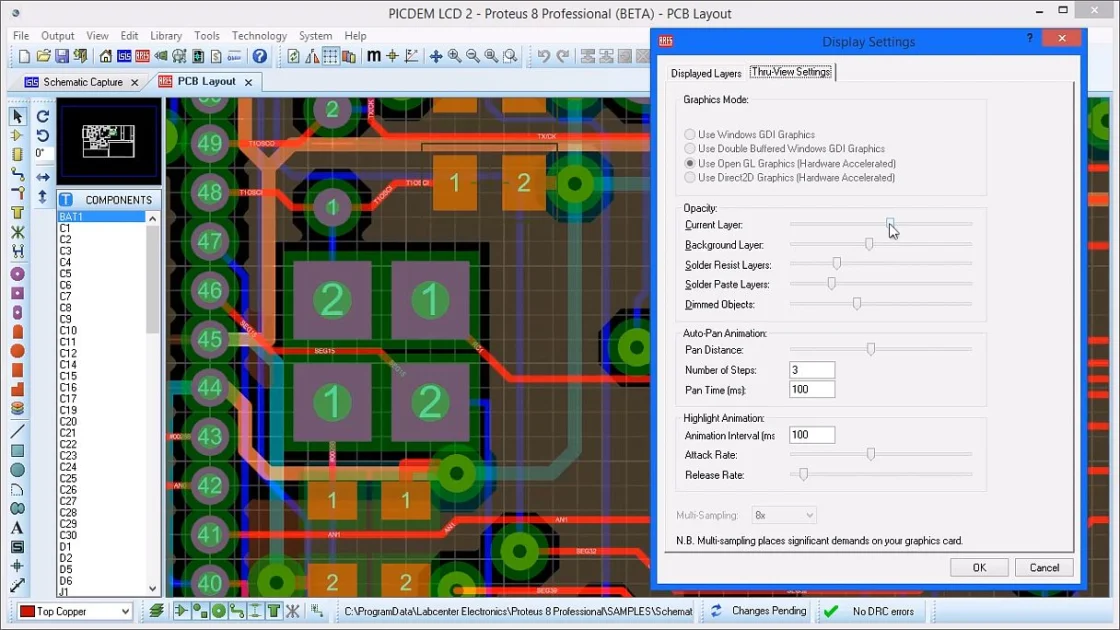
Hardware Accelerated Display
This shows how Proteus EDA Software can make maximum use of your computers graphics card to get high quality detailed displays of your PCB during the design process.

Hardware Breakpoints
This short movie shows how to use voltage probe conditions to trigger breakpoints during a microcontroller simulation in the Proteus schematic capture software.
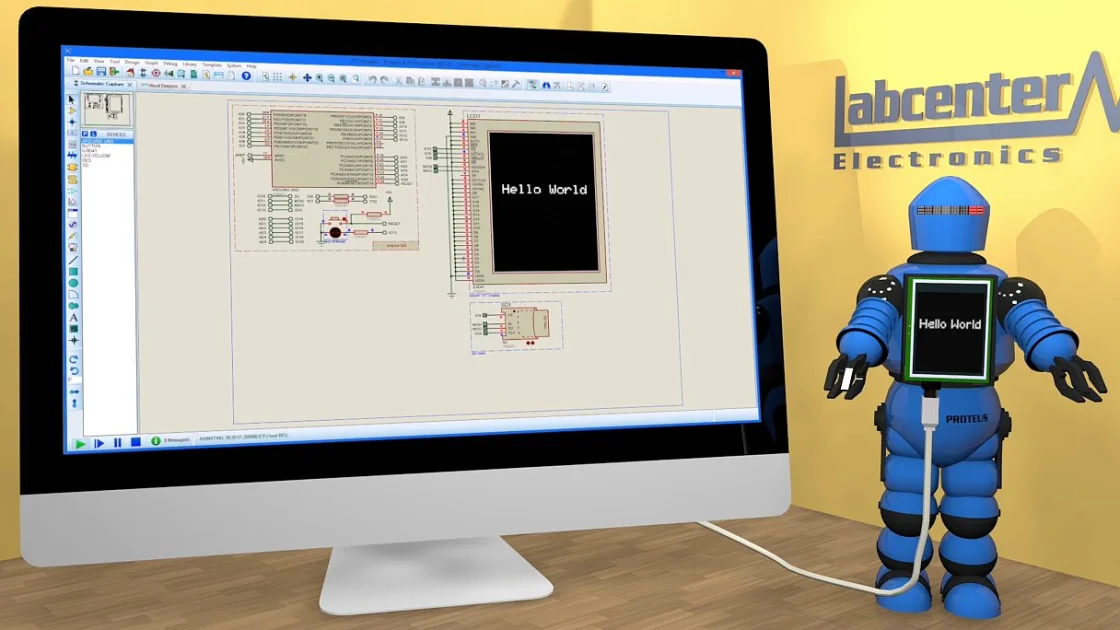
Introduction to Visual Designer
Proteus Visual Designer for Arduino simulation quickly and easily allows you to design and test Arduino projects without the need for programming experience.

IoT Builder Alerts
How to use alerts with IoT Builder by Proteus. Alerts are powerful tools that can inform users of situations or require a user response for the Internet of Things program running.

IoT Builder Arduino Authorisation Controls
A short video showing how IoT Builder for Arduino uses login controls for user authorisation and control access.

IoT Builder by Proteus
A 60 second summary of how to create your IoT project using Proteus Visual Designer with IoT Builder for Raspberry Pi or Arduino AVR Simulation