

Proteus Tutorials
Tutorials for Proteus covering VSM Simulation, PCB Layout & Design and Visual Designer

IoT Builder Code Writing
How to create an Internet of Things project directly for Arduino using code and IoT builder controls. All done with interactive Arduino simulation, debugging and one click deployment.

IoT Builder Extended Use
Using IoT Builder by Proteus to control and debug an Arduino design from a connected device during an Internet of Things simulation.

IoT Builder Introduction
An introduction to using IoT Builder with Visual Designer to create a project for an Internet of Things connected Arduino and control it from a tablet or mobile device.

IoT Builder Raspberry Pi Authorisation Controls
A short video showing how IoT Builder for Raspberry Pi uses login controls for user authorisation and control access.

IoT Builder Timer controls and functions
How IoT Builder uses Timers to interact with the internet of things. These allow for activities such as repeat routines, countdowns and alarms.

IoT Builder with MQTT
A demonstration the how IoT Builder can make use of the MQTT protocol to publish and subscribe to notifications and use the resulting state to trigger a system response.

Large Pin Count Devices
This video shows how Proteus EDA Software can handle large pin count devices such as FPGAs and BGAs by splitting them into multiple schematic parts and easy pin remapping.

Layer Stackup
This video shows how Proteus PCB Layout Software makes use of a PCB layer stack. This allows dedicated Plane Layers as well as Smart Vias and intelligent drill ranges.
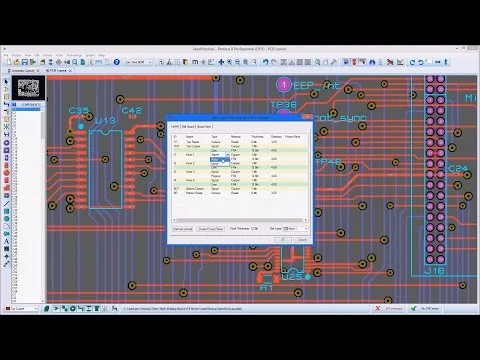
Layer Stackup Introduction
Learn how to configure the layer stackup in the Proteus Design Suite for multi-layer PCB design.
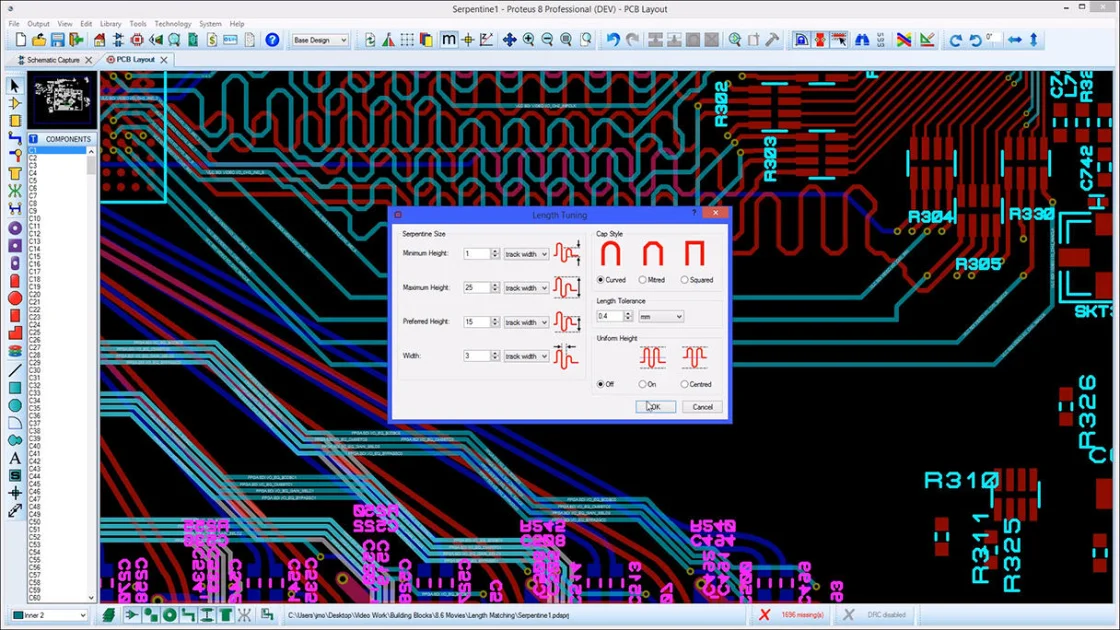
Length Matching
How to use the Serpentine Length Matching feature in Proteus PCB Design Software to create and edit groups of length matched traces on the PCB.
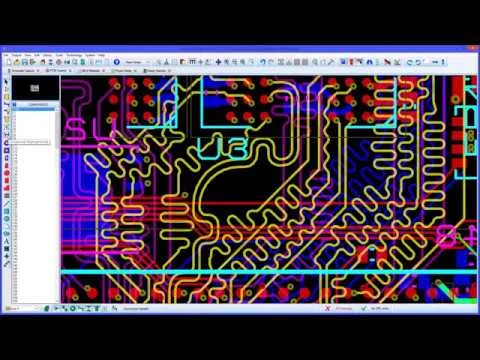
Length Matching Introduction
A tutorial on using length matching features in the Proteus Design Suite for high speed PCB routing.
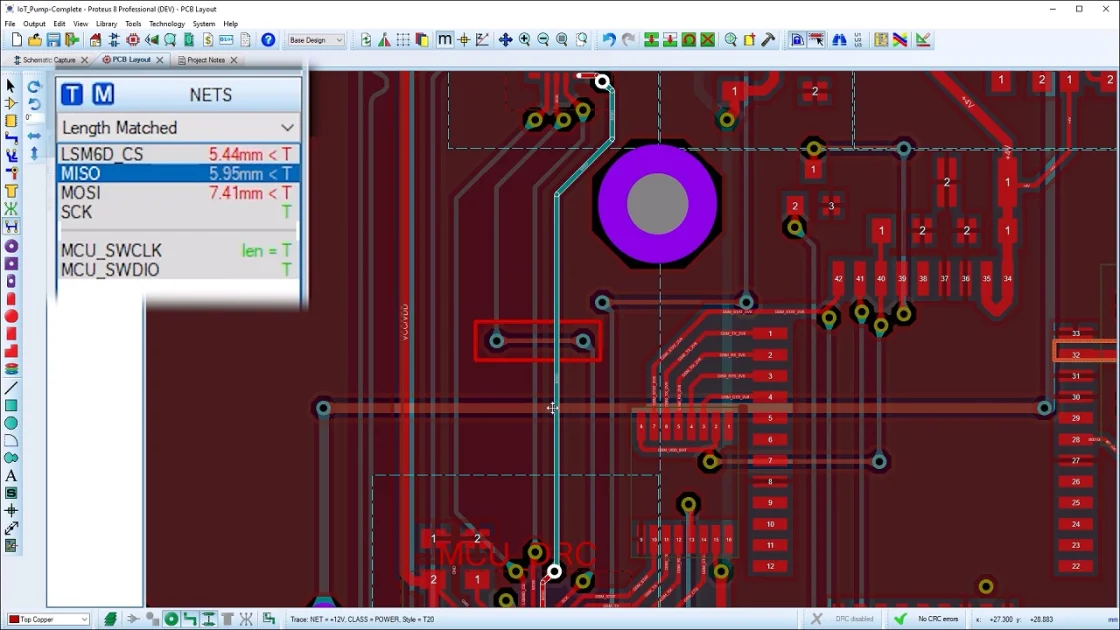
Length Matching Updates
The length matching function of the PCB layout tool has now been updated to ensure re tuning of match groups takes place automatically after an edit any one of the tracks in the group.