

Proteus Tutorials
Tutorials for Proteus covering VSM Simulation, PCB Layout & Design and Visual Designer

Library Manager
An overview of the updated Library Manager with component comparisons for Proteus EDA Software allowing greater control of user created components and footprints.

Library Part Editing
The ability to update and manage the properties of the Proteus component libraries. Update common properties or create your own to add libraries specific to your requirements.

Licence Management Portal
How to use the Proteus Web Portal to mange a cloud licence for user groups and reservations, allowing access to the pool licence for those that need it when they need it.

Linear Route Editing Proteus Previous Update
Here we demonstrate the updates to the linear routing system in Proteus PCB Design. These include improved 45 degree route dragging and intelligent segment mitring.

Manual Routing
This video shows how the Follow-Me Routing feature of the PCB Layout Software module in Proteus Design Suite works during track placement.
Miscellaneous Previous
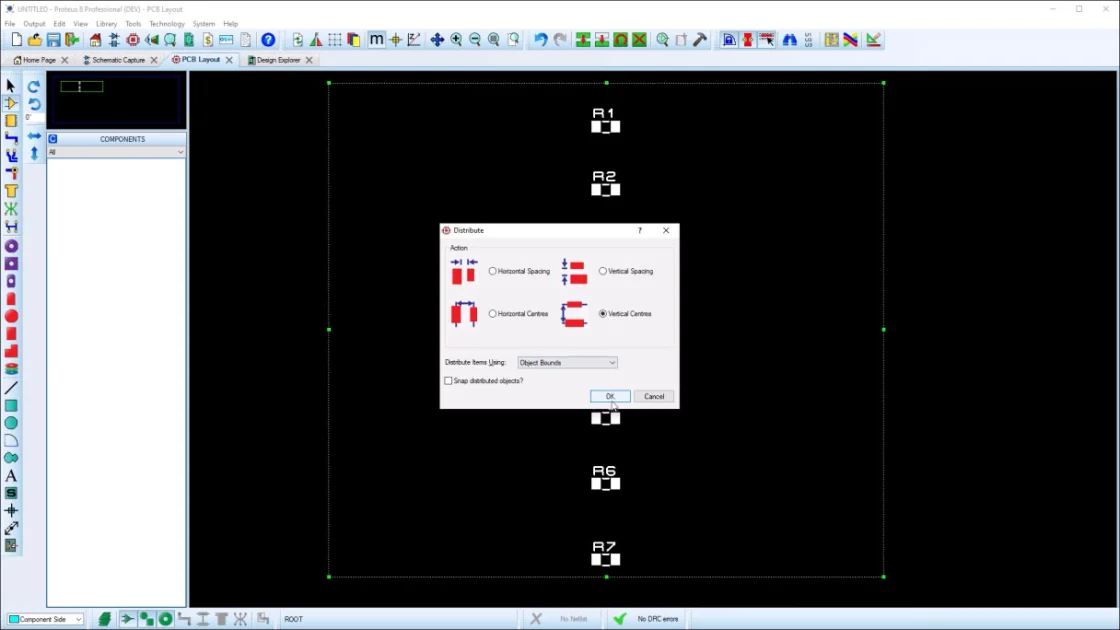
This video highlights some of the smaller, functional features added to the version Previous release of the Proteus Design software. These are both user requested and development led features.

Miscellaneous Updates VPrevious
A short video demonstrating the small but requested updates included in the VPrevious release. These include highlighting pending changes and improved zone cross hatching support.

MPLABX Driving Proteus VSM
How to slave the Proteus Microchip Simulation software to the MPLABX IDE so that the simulated hardware in the schematic capture can be debugged inside MPLABX.
Multi Board Designs
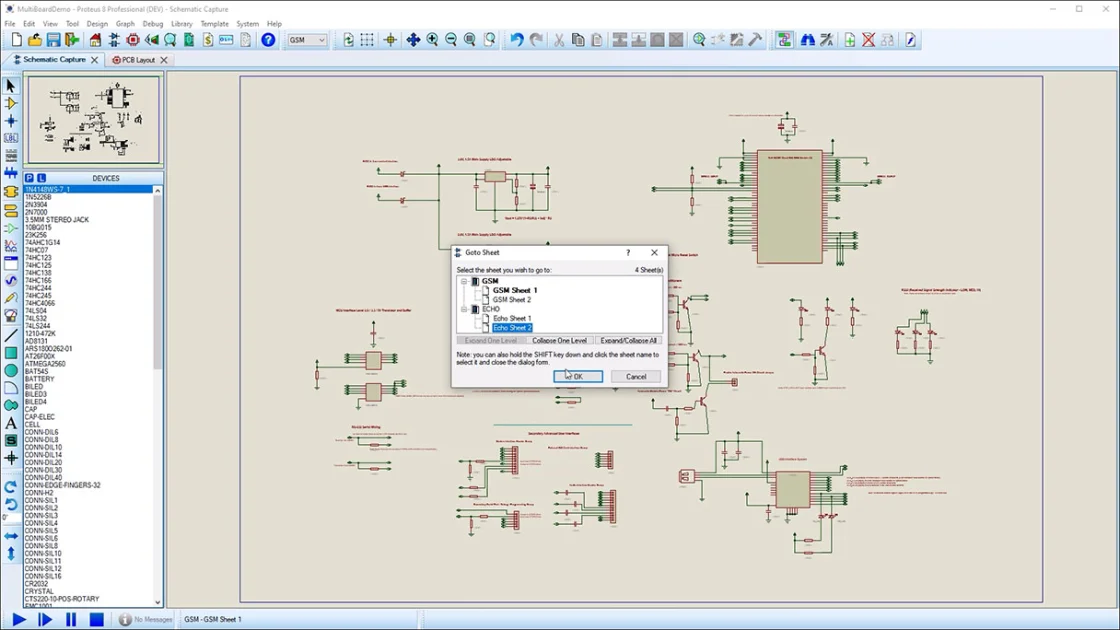
Proteus now includes full support for Multi Board designs. This allows for connected and associated boards to be designed in a single location with all files safely stored in a single project.

Non-Functional Pads
Non functional pads are now supported in the PCB layout of Proteus Design Suite. This provides the ability to clear the annular rings around vias on layers where they are not connected to any traces.

Part Import from Samacsys
This video shows how to import schematic components, PCB footprints and 3D STEP models from Samacsys Library Loader directly in to Proteus EDA Software for use in your designs.
Part Import from SnapEDA
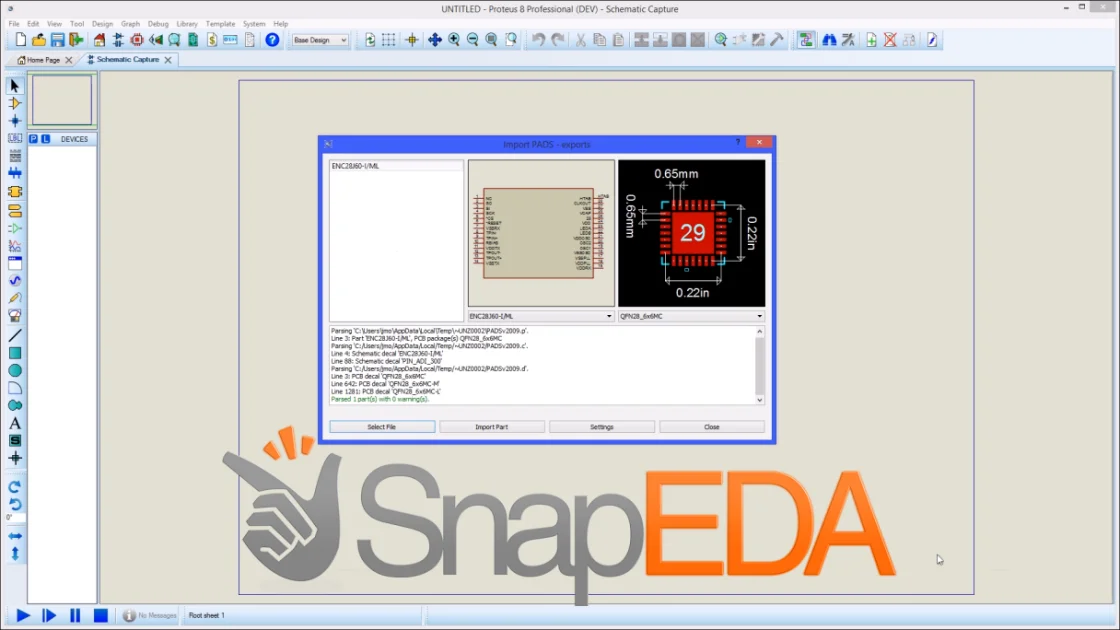
This video shows how to import both schematic components and PCB footprints from SnapEDA directly in to Proteus PCB CAD Software for use in your designs.