

Proteus Tutorials
Tutorials for Proteus covering VSM Simulation, PCB Layout & Design and Visual Designer

Part Import from Ultra Librarian
How to import schematic components, PCB footprints and 3D STEP models from sources such as Ultra Librarian and Digi-Key directly in to Proteus PCB CAD Software.

PCB Assembly Layers
In this video we demonstrate how the assembly layer of the PCB output can be applied and set with custom graphics ready for outputting to project specific documentation or PCB manufacture.

PCB Design Rules Manager
This video gives an overview of the revamped PCB Design Rule system in Proteus PCB Layout Software. This now introduces design rules by area room and greater clarity of rule violations.
PCB Panellization
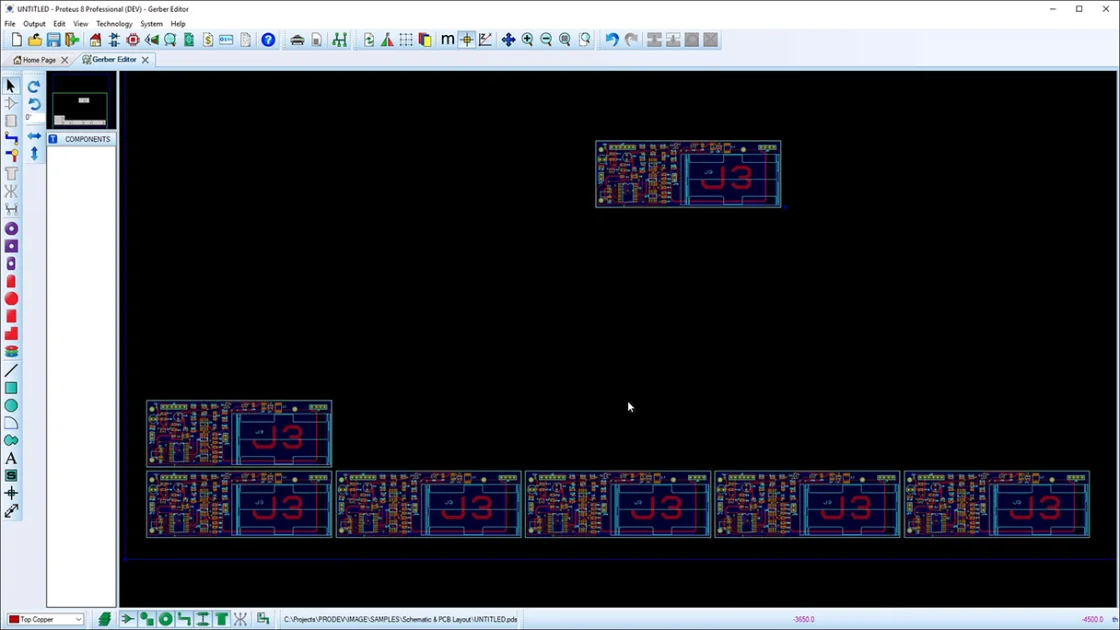
Proteus EDA Software has greater support for producing manufacturer ready panelled boards from Gerber X2 files including automatic board placement and spacing.

Persistent Memory
This video shows how the Proteus Microcontroller Simulator utilizes Persistent Memory during simulation for components such as EPROM.

Pick And Place Files
A short video demonstrating the ability to customise the the details of the pick and place file in terms of both the information order and unique name of each of the file properties.

Power Planes (Copper Pour)
This video updates the use of the PCB copper pour in the Proteus PCB Layout Software. This includes the use of PCB Design Rules and board constraints.
Pre Production Checker
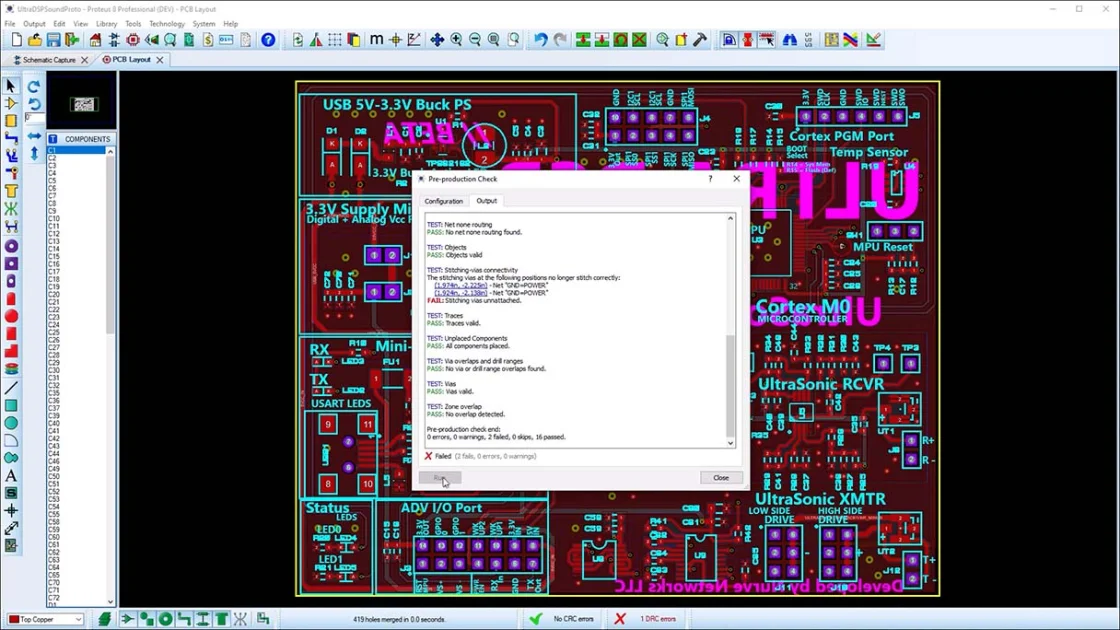
PCB Pre Production Checker updates. This now allows for custom checks with greater ability to navigate to any errors and report retention for quick reference.

Property Assignment Tool
This video shows how to use the Schematic capture software Property Assignment Tool to quickly and easily edit and update a schematic layout in Proteus Design Suite.

Proteus Design Suite Manual Routing Tools
Proteus Design Suite has a vast range of manual routing tools to help layout and complete even the most challenging PCB designs. Here we highlight just a few.

Proteus Design Variants
This video shows the updated assembly variant feature in Proteus PCB CAD Software. This includes switching components with different values on different variants.
Proteus PCB Introduction
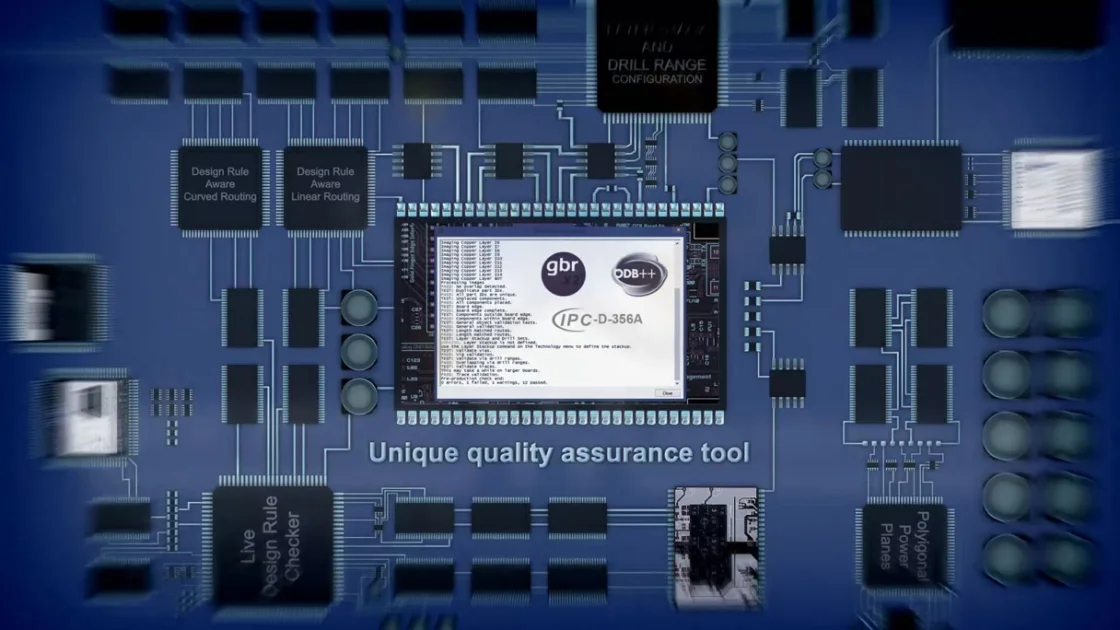
An introduction and overview of the Proteus PCB design software features. PCB CAD design made easier with with a powerful, easy to learn and use EDA solution.