

Proteus Tutorials
Tutorials for Proteus covering VSM Simulation, PCB Layout & Design and Visual Designer

Software Breakpoints
This video shows how to set breakpoints in the firmware of a microcontroller in Proteus Embedded simulation software for debugging purposes.

Speaking Thermometer
A short video using Visual Designer to single step and debug a talking thermometer project design with Arduino Simulation and Schematic Capture Software interaction.

Status Bar Updates
The status bar at the bottom of the PCB layout has been updated to include more information relating the the current tracking operation. This includes information on net and routing mode among others.
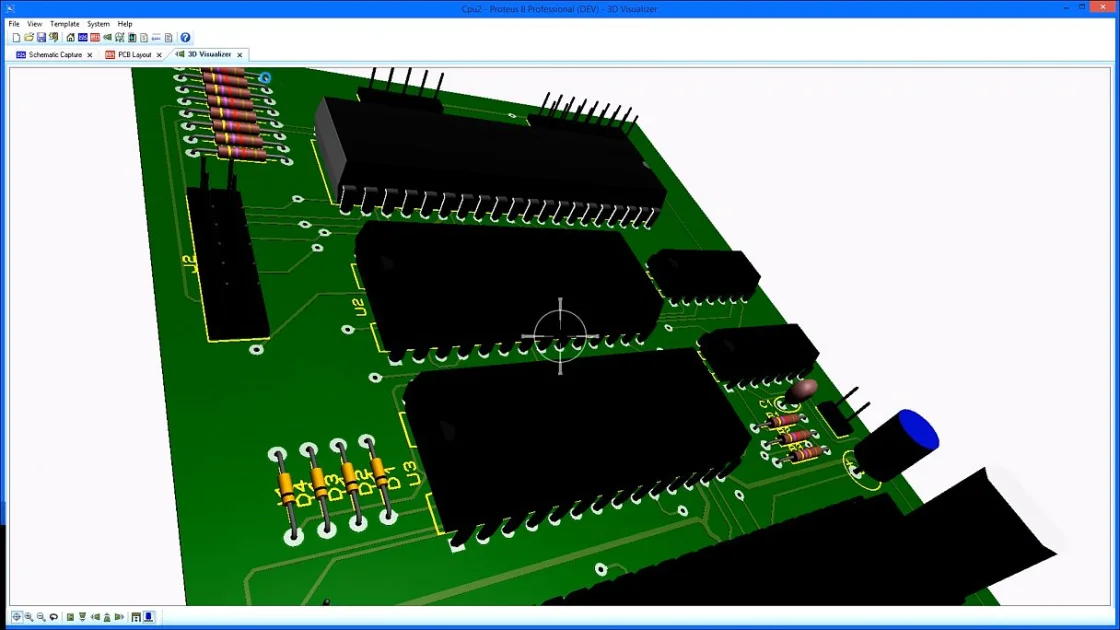
STEP/IGES File Format Support
Proteus PCB Design Software can import 3D models in the STEP and IGES formats for use within the 3D viewer and export boards for use in your preferred MCAD software package.
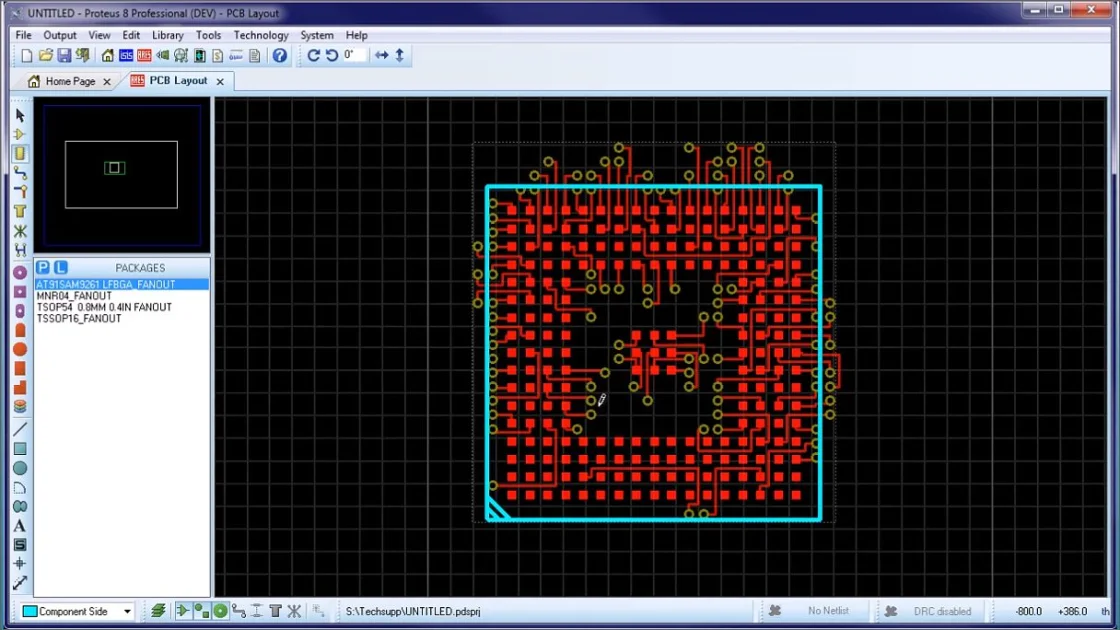
Storing Fanouts in Packages
This video shows how to save a component footprint in the PCB CAD Software with a pre-defined track Fan-out for use with future Proteus projects.

Teardrops and Tapers
This video demonstrates the updates to the dynamic teardrop feature of Proteus PCB Design. This now includes track tapering, ideal for route escapes from tight areas such as BGA Fanouts.
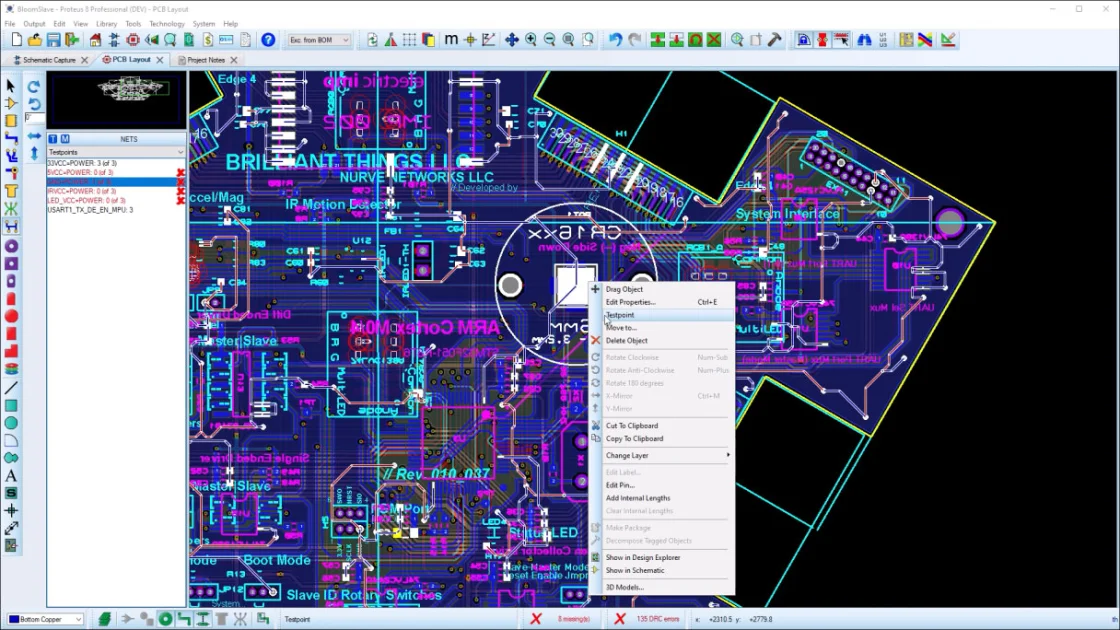
Test Points
A short video demonstrating the use of test points within the Proteus PCB design layout. Fully design aware with net specific rule settings allows for full compliance testing setup.

TFT Display Shield
This video demonstrates Visual Designer for Arduino AVR simulation using a TFT Display Control with schematic capture software interaction and hardware deployment.
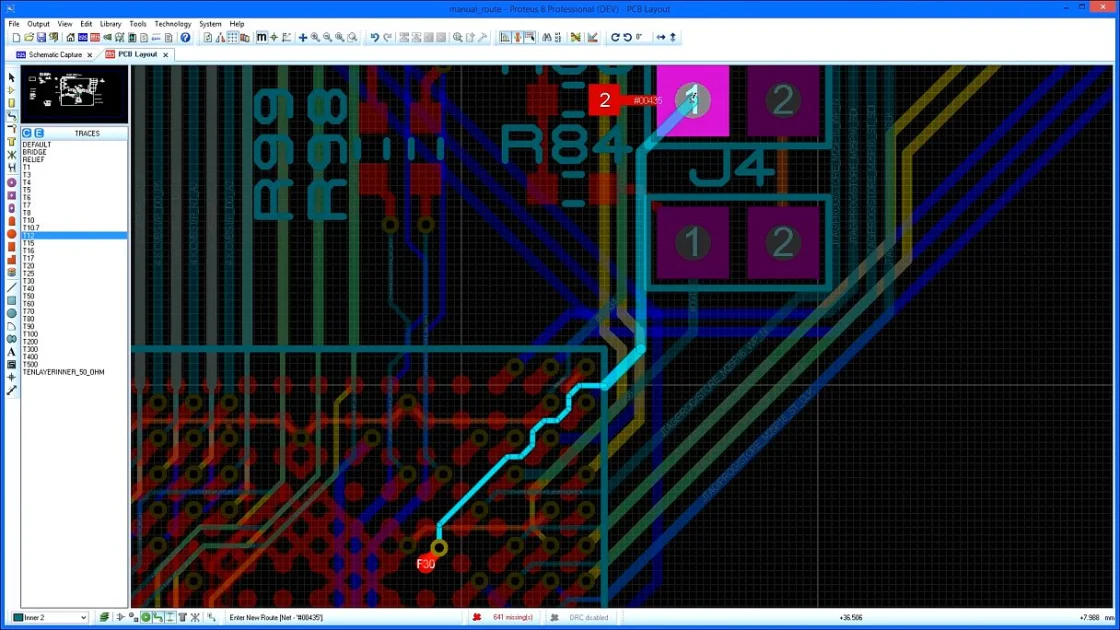
Track Editing
This video show how to edit and adjust one or several tracks at once for a quicker, smoother work flow in the Proteus EDA Software during the PCB layout process

Tutorial: Bill of Materials
This video shows the functionality of the Bill of Materials module inside Proteus PCB Design software, linking both schematic capture and PCB layout.

Tutorial: Manual Routing
This video gives an overview of the tools and features available when performing manual PCB routing operations in the Proteus Design Suite MCAD software.

Tutorial: Project Clips
This video shows how Proteus ECAD Software enables you to save snippets of your Schematic design and associated PCB layout for quick and easy reuse of common circuitry.