

Proteus Tutorials
Tutorials for Proteus covering VSM Simulation, PCB Layout & Design and Visual Designer

Tutorial: Project Notes
This video provides a short tutorial on how to use the Project Notes module within Proteus Design Suite allowing users to keep full documentation in the EDA software project.

Tutorial: Proteus VSM
This video shows how to create a new simulation project from schematic capture software to final code completion using the Proteus embedded simulator.

Using an 8266 with IoT Builder
This video shows how to create a your own Internet of Things shield for Arduino Uno or Mega and use it with IoT Builder from Proteus to design and create your own front panel apps.

Visual Designer Arduino Funduino Turtle
How to control a Funduino Arduino Turtle inside Proteus Visual Designer using Embedded simulation and flowchart debugging

Visual Designer Arduino Turtles
This video gives an overview of the use of Visual Designer with different Turtle robots available for Arduino.
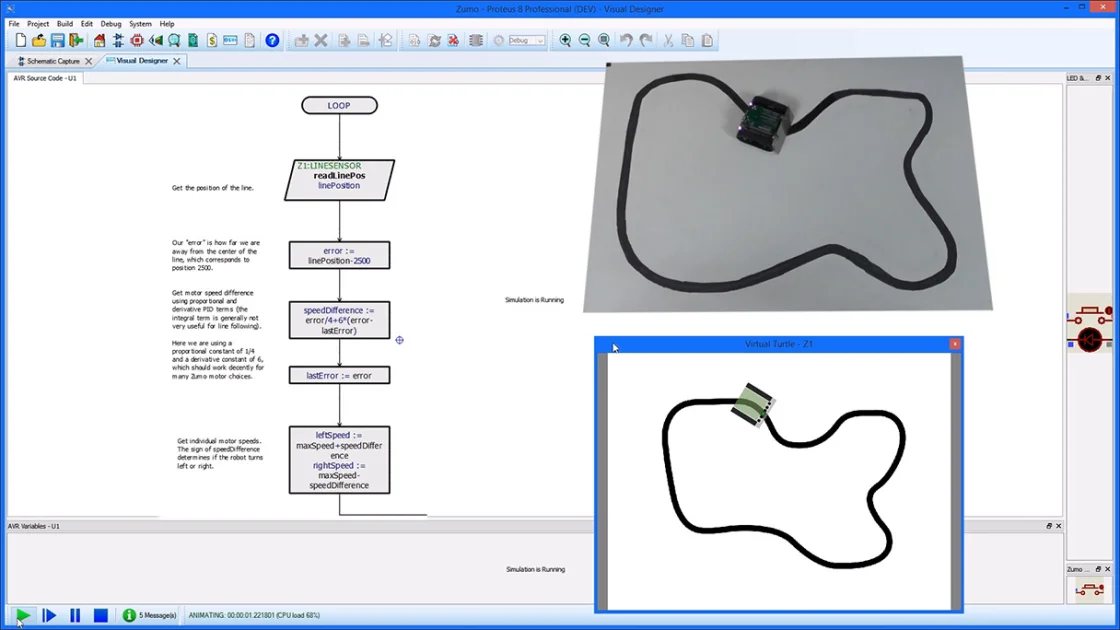
Visual Designer Arduino Zumo Turtle
This video displays the ability of Proteus Visual Designer and Arduino Simulation to control and program the popular Zumo Arduino turtle robot.

Visual Designer Debugging
This video shows the different ways your are able to debug a flowchart project inside Proteus Visual Designer for embedded Arduino and Raspberry Pi simulators

Visual Designer Flashing An LED
Visual Designer can use Proteus Schematic capture software as a virtual breadboard to create interactive circuits during the simulation for either Arduino or Raspberry Pi.

Visual Designer GPS Alarm
This video shows Visual Designer using the Arduino GPS breakout board using the Proteus Arduino Simulation tools for embedded systems.

VSM Studio IDE
This video gives an overview of the VSM Studio IDE included with the Proteus Microcontroller Simulator showing both layout and basic functionality.

VSM Top Features
An introduction to a few of the top features and benefits of the Proteus VSM System with its unique tools for system simulation and development.
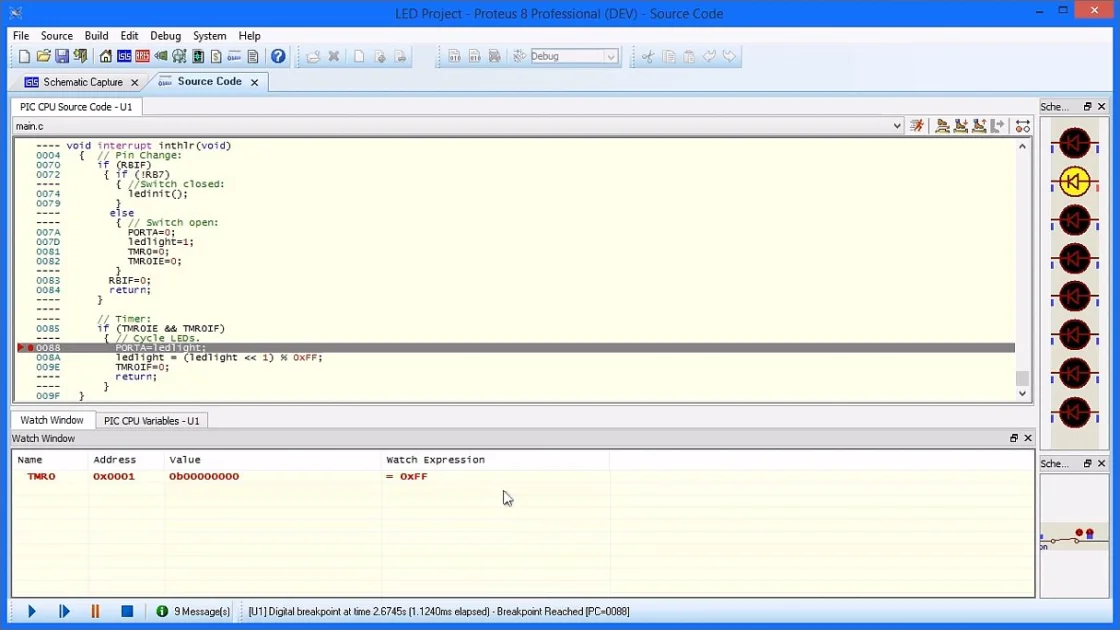
Watch Window
This video demonstrates the use of the Watch Window during firmware debugging whilst using VSM Studio for Proteus Embedded Simulation software.