

Proteus Tutorials
Tutorials for Proteus covering VSM Simulation, PCB Layout & Design and Visual Designer

3D Visualisation
This video shows the use of the 3D viewer module in Proteus PCB CAD software including the import of component STEP files and export of full board STEP and IGES format models.

Advanced Footprint Creation
This video shows how to manually create advanced footprints with specific requirements such as stitched pads or stippled paste masks in the Proteus PCB CAD Software.

Auto placement Floor Planning
A look at the Placement Room feature of the PCB Layout Software. This allows you to group critical components together when you set board constraints.

Auto Track Completion
The Proteus EDA Software provides a quick method to route your PCB Designs by using click to complete technology to place tacks along valid paths.

Auto-Routing
This video shows the constraint driven auto router function inside the PCB Design software for a powerful PCB Layout tool.
AutoSave and Backup
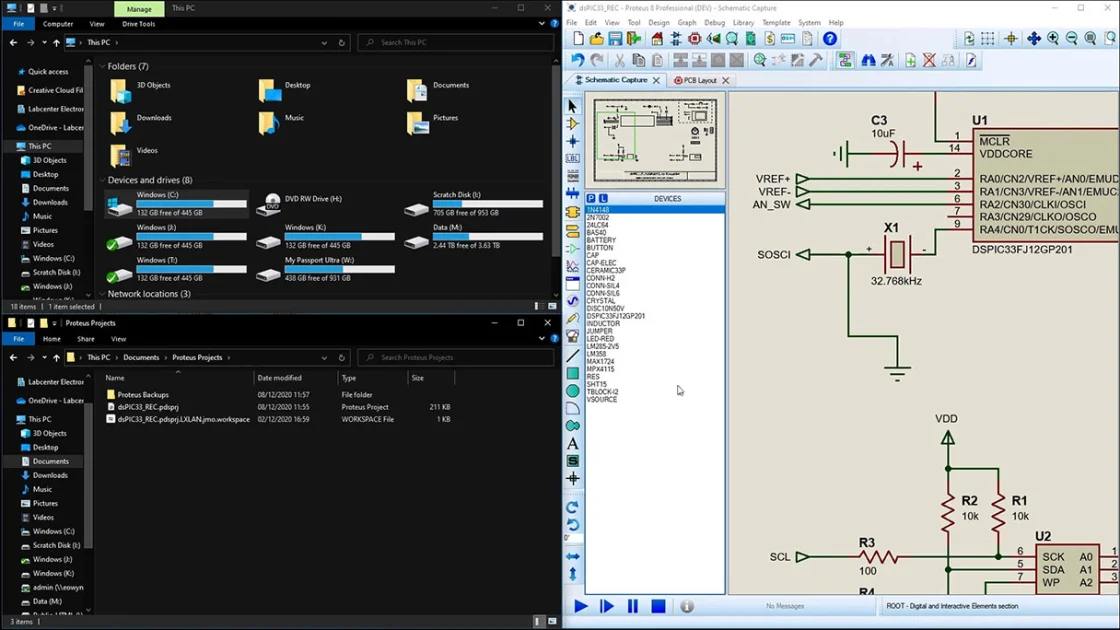
The autosave and backup system of Proteus ECAD Software has been updated to include custom backup paths, incremental project saving and system verified timed automatic autosaves.

Creating Button Pads
This video shows how to create complex footprints, such as Button Pads, inside the PCB layout module of Proteus PCB CAD Software.

Curved Routing Update
The curved routing capabilities of Proteus PCB Design have been greatly improved. The new, smarter system will actively adjust corner radius as per user specified limits as well as curved mitres.

Design Rule Aware Editing
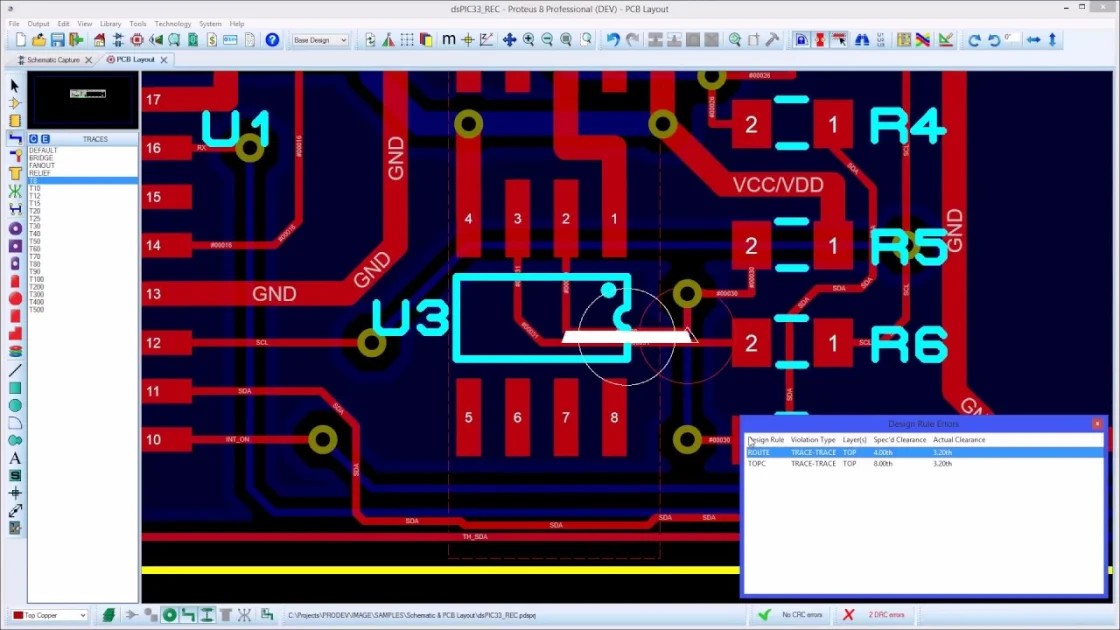
The Proteus PCB Design tool has been updated to include design rule aware track editing. This means any edits will adhere to the rules specified in the design rule manger.
Design Walk
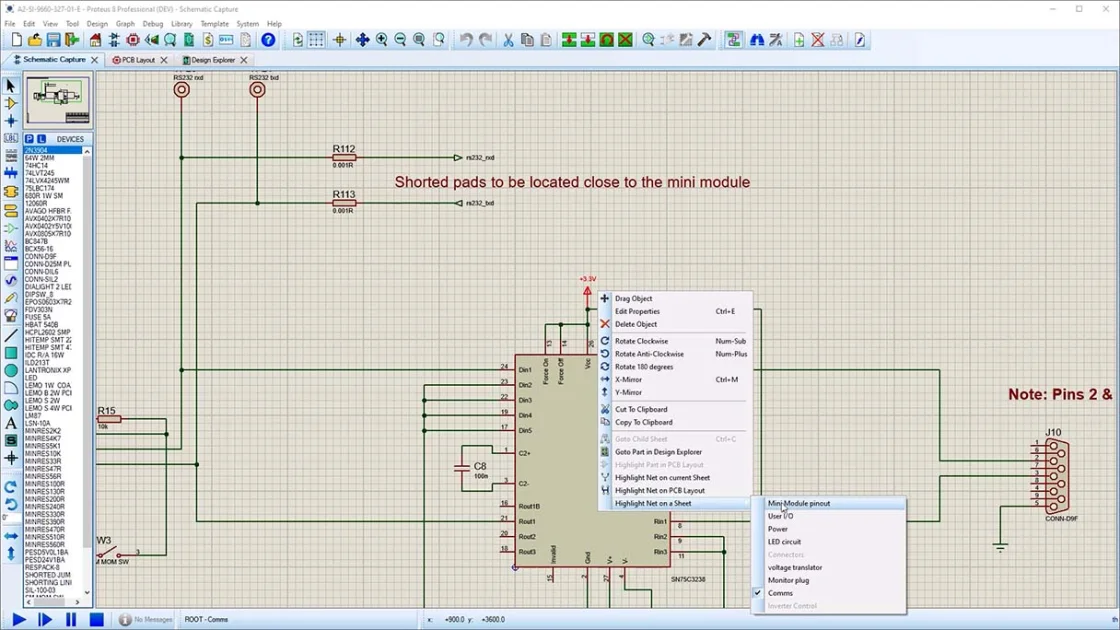
The Design Walk feature of Proteus allows the user to work through a design to confirm net connections across all sheets for added confidence in their design.

Diff Pair Configuration
This video provides a walk through on using the Differential Pair configuration tool. Specify start and end pins as well as pass through devices from a single, easy to use form.