

Proteus Tutorials
Tutorials for Proteus covering VSM Simulation, PCB Layout & Design and Visual Designer
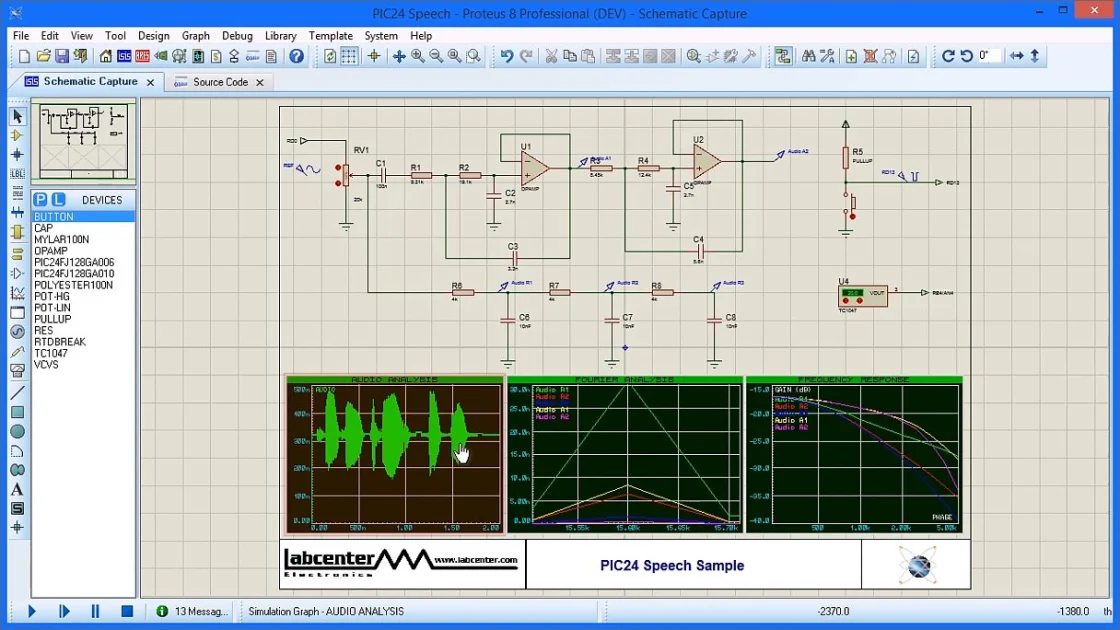
Advanced Simulation Features
This videos shows the use and functions of the Advanced Simulation Features in Proteus CAD Software for graph based analysis of schematic capture designs.

AI Assisted Part Creation (BETA)
Showcasing ProPilot(TM) in BETA, automatically creating new parts and footprints directly from manufacturer datasheets to speed up component and library creation.

AI Coding Assistant
Showcasing ProPilot(TM) assistant with embedded designs. Helping you write, analyse, edit and tidy your projects embedded code.

AI Design Assistant
Showcasing ProPilot(TM) during project design. Helping you analyse, adjust and finalise your designs quicker.
AI Help Assistant
Showcasing ProPilot(TM) assistant for Proteus help. Getting you to the help and answers you need quicker to help complete your projects.

AI Waveform Analyzer
Showcasing ProPilot(TM) interpreting system waveforms and signal outputs. Get results, analysis and formula to understand what your design is doing.

BSDL File Import
This video shows the updated process for importing BSDL files in to the user schematic parts library of Proteus Schematic Capture software for version Previous and later.
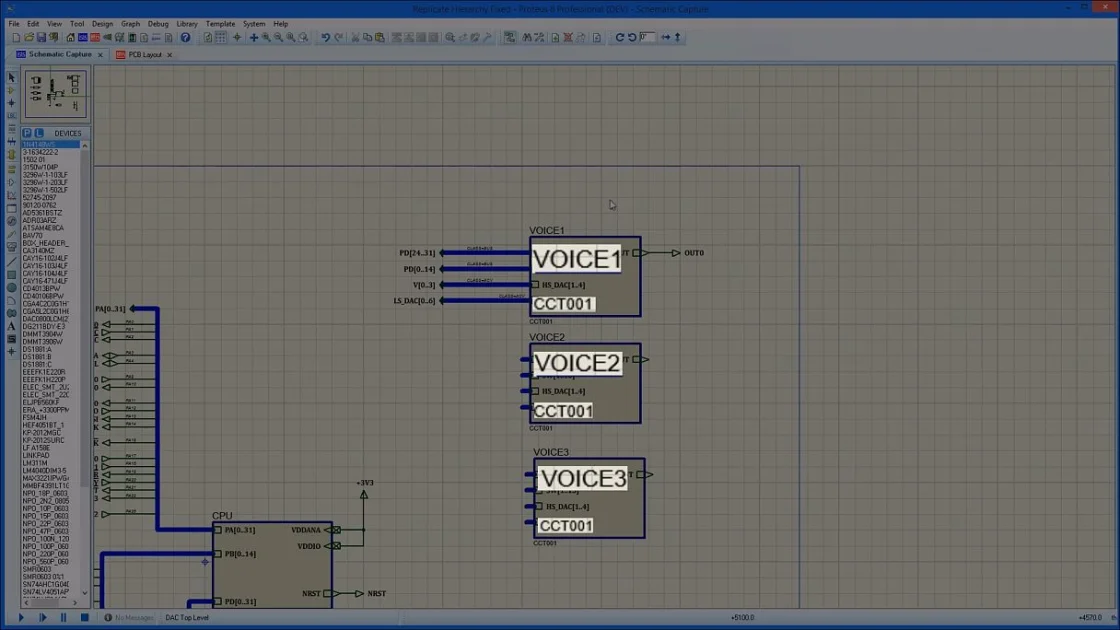
Circuit Re-Use
This video shows how to reuse sections of common circuitry across various designs and easily recreate sub circuits and PCB layouts in the Proteus EDA Software

Component Library Web Search
The Proteus CAD Software component libraries automatically do a web search if the required device is not in local libraries and will add the part at the press of a button.
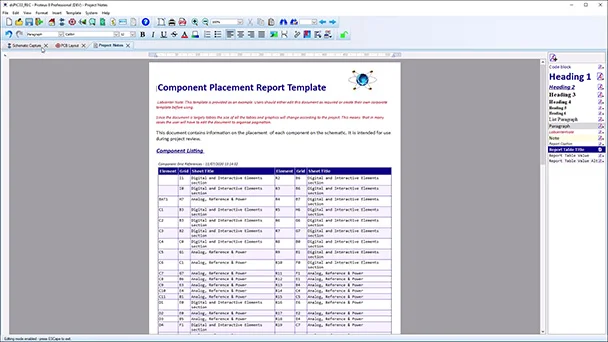
Component Placement Reporting
A short video demonstrating the the Component Placement Report available within Proteus. This gives sheet and grid positional information to quickly locate any device for review.

Design Explorer
A short video demonstrating the design explorer module in the Schematic Capture Software. This allows cross probing of the schematic and PCB and control of Assembly Variants.
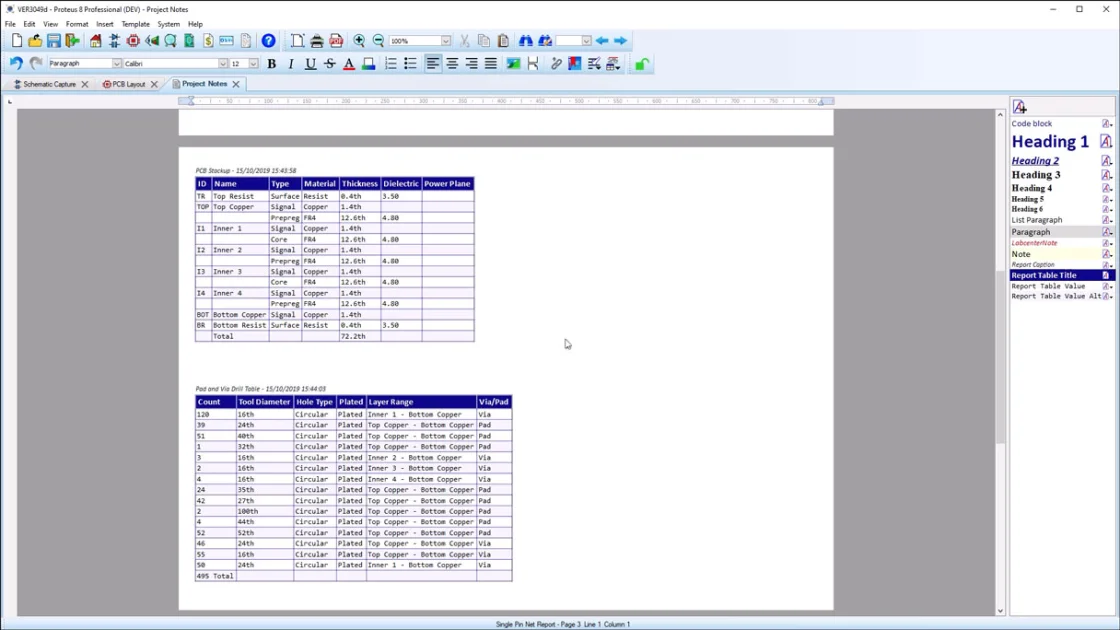
Design Reporting
This short video gives the overview of design reporting in the Proteus PCB CAD software and how it can be used with quality control and manufacturing instructions.